Positive Vibe Coding

There are always new things to learn in life. There are especially new things to learn in tech. The onset of layman-accessible AI has vastly increased the breadth of accessible activities and the speed of potential learning.
As a person alive in these amazing times, it behooves me to learn about AI. As a technical writer, it behooves me to get as comfortable as I can, as fast as I can, with using AI in particular.
And any time I’ve wanted to learn anything new, I’ve first come up with a project that personally interests me. Then used that as a way to lead me through what I want to learn.
For this specific technological (r)evolution, I’ve had a backlog of possible apps and tech solutions. Possibilities I’ve been wanting to see manifest in the world, even if they just remove a digital stone from my shoe.
So, about 2 months ago, I dove in. Today, 41 complete new applications and counting. And more to try on the way.
Here are 3 of my own faves.
App 1: Metabot -> Quantum Retriever
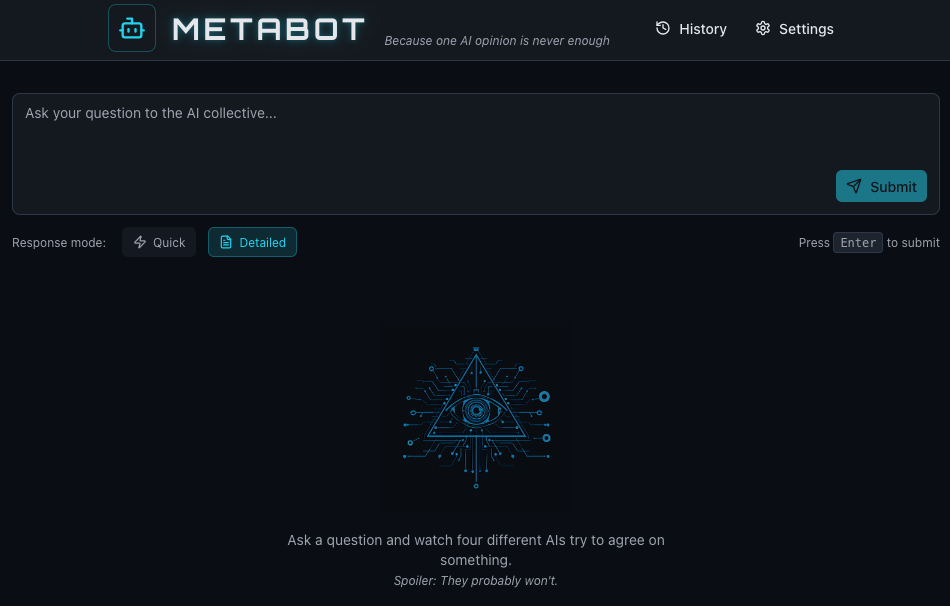
Having already found interesting variance between different models, including interesting and complementary holes in what they retrieved, I thought it would be interesting to more easily compare them per question. Why not make an app that can do that easily and repeatably? I also had a name I liked, which a quick search confirmed was not yet in either the iOS or Android app stores: Metabot.
With a clear idea and even flavor, I got to dig right into high-level front-end design and UX. As working prototypes go, it all came together pretty quickly. I let it free into the app store, to find its fortune…. where it turned out its original name was too close to Meta’s trademark for Apple’s comfort.
A bit frustrating that a company could lock down an entire prefix. I briefly wondered about trademarking a company named “The”? But I’m sure that would already be taken if it could. So, we pick ourselves up and move along.

After some great discussion with an online cabal of friends, I was pointed towards a key goal for branding – having a name that actually represents the offering. So, not only sounding cool. At the same time I was reminded of the old-school Internet site Dogpile – which would send your query to the several different competing search engines of that time, so you could pick the best results. Great company to be in.
So I came up with the name and concept “Quantum Retriever”. Then with the help of my intern Midjourney I started whipping up a fun new logo. This will then be a new look.
This entire process was a benefit to me right off the bat, in helping reacquaint me with the process and vagaries of the iOS store. The deeper benefit was in fleshing out this app’s functionality. What would be good ways to route between different models, in chains of query and summarizing? What unseen models doing query summarizing and response summarizing might be best placed first, last, or in the middle?
I’d already known Perplexity as often being reliable with citations. This effort also brought its differing flavor into relief–a tendency towards a calm tone. In similar ways I got to become more familiar with Gemini’s output, and the more perceivable differences between Chat GPT and Claude. And also how they can be used in concert, and complement each other’s sharpened qualities.
As of this writing, the updated version is moving through the iOS app store for approval. Until then, here it is on Netlify if you want to try it out.
App 2: Weird Chess
 This was a bigger journey than I expected. The most surprising part was getting a whole added raft of functionality from single UX draft in Figma Make.
I’ve always loved some strange chess. I was most intrigued by 10×10 boards, after first being introduced to the possibility through the tremendously imaginative “Chessmen of Mars” book – older than my grandfather, and new to me at 12. In the British Museum I later saw a 10×10 chessboard of ancient early chess.
So when I decided to try my hand at making simple mobile games, this was a perfect itch to scratch. I and my team of AI interns quickly put together a working prototype that had a series of 10×10 boards, and also standard 8×8 just in case someone chose the path more traveled.
Then I ask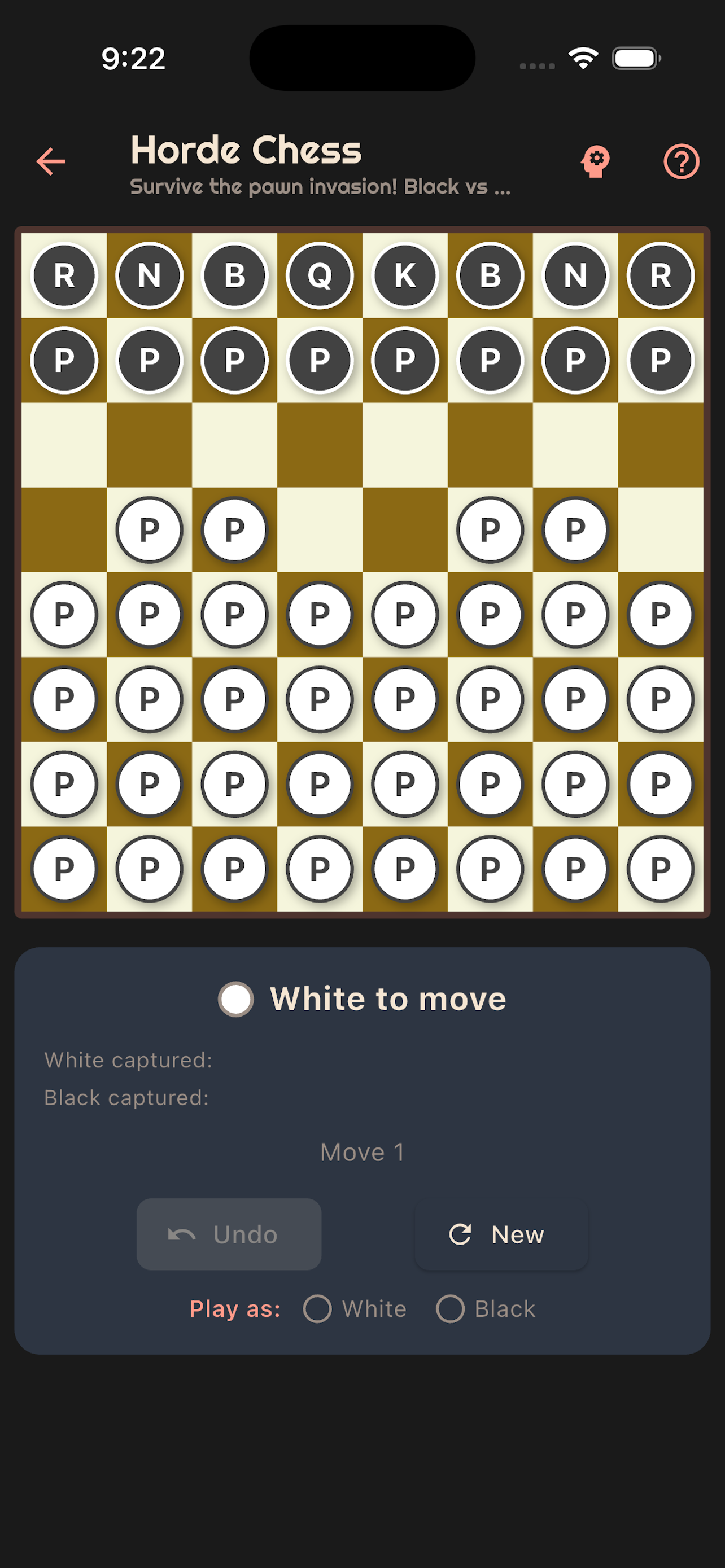 ed Figma to help mock me up a nice UX…and it just added a whole bunch of 8×8 varieties I’d never heard of! All available at a quick Google, that I just hadn’t done. Some very fun and new to me possibilities emerged, including one “Horde” – where you face off with 8 standard pieces against 36 pawns.
These new versions were then fleshed out and added…which ended up fully testing and expanding the functionality as well. And sparked another idea I quite enjoyed – a new form of standard 8×8, where every few moves a pigeon would come by and “hit the board” – randomizing a chess piece.
Choosing battles is important, especially weird ones.
This particular app approval battle went well for me. The iOS app store yielded to my app on the first foray. And as a bonus, I learned more about chess from new angles I’d never considered.
Here it is: Weird Chess in the Apple store
App 3: Code-wiki aka Docsy McDocsface
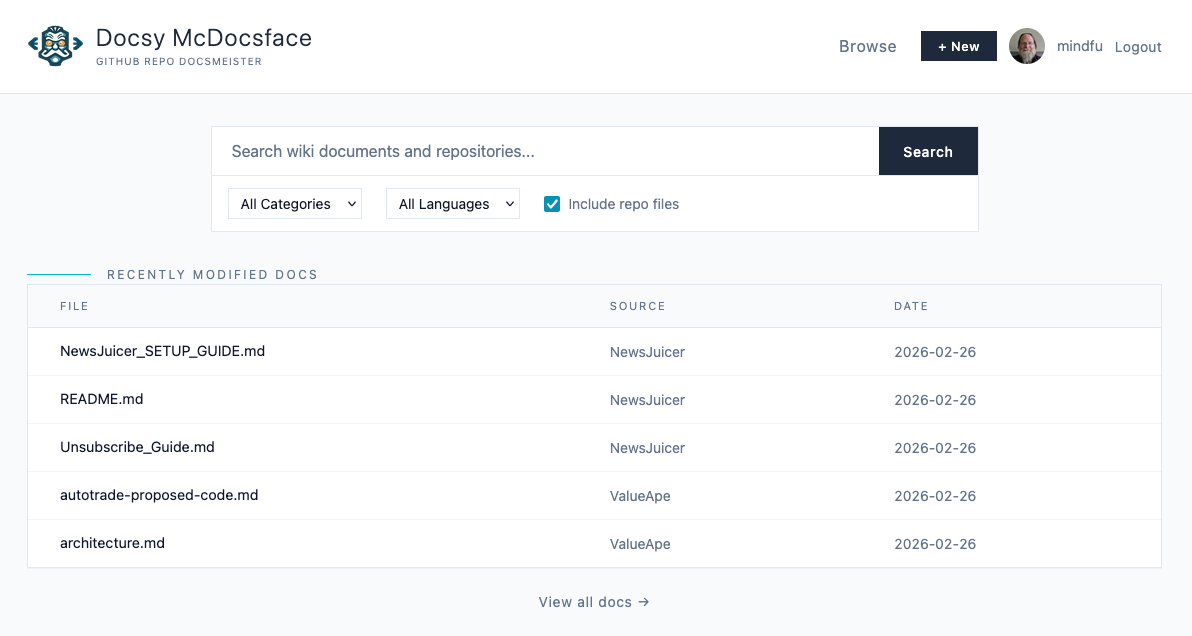
This was perhaps the most geeky fun, as well as the most useful app so far my own use case. It’s a documentation app that’s hosted in my own GitHub repo, to help document all my other GitHub repos. Somehow there wasn’t yet a docs package that stretch over all of a person’s account, both public and private.
And because I was making it for my own use case, I also added in the ability to detect when a repo was being used as a basis for a web app. And if so, to show that as a link. Now I have a central view for the many different apps I’m making as well.
At that point I made it open source–which also meant getting more familiar with how that works as licensing.
And as perhaps my favorite treat to myself in this whole venture, I got to call it Docsy McDocsface.
I am become Docsy, documenter of worlds. You can check out Docsy McDocsface in practice, and see the open source code here.
Lessons
My first level of lessons were some technical tidbits:
- GitHub can run scripts aka ‘Actions’ for free for public repos, and up to 2,000 times a month for private repos.
- GitHub Copilot can be so helpful for straightening out repo issues.
- Claude CLI is my personal fave, and Claude within VSC is a close second.
- Netlify can also do a fine job in free tier
- Figma’s Make can float up functionality possibilties that were never considered, as well as being quite a time saver for iterating quickly over UX designs
But the most useful lessons were more ‘meta’, if I may: developing good habits when working with code absolutely increases speed over time. This no-doubt familiar ground to engineers was great for me experience in this particular way. Really, as a PM for my own projects who was working with LLMs as interns.
The next level of learning for this was more tactical. In the often frustrating efforts, it became clear there were good habits to lessen the frustration. The importance of these habits will be clear to people who write their own code and develop all the time:
- Testing at every phase of completion
- Having preferences, including specific coding preferences
- Researching how language choice can affect the product all the way through to shipping
- Thinking of hosting from the start. Where will the files users need and generate go? How will they be secure? How can you plan to generate as few extra files as possible?
- Making components modular. Reuse the wheel.
- It’s not done just because its shipped. How can you monitor and ensure uptime?
- Documentation! I knew that last, but it was good to have it reinforced when picking up a new project one day, after having my head all the way full of a previous project the day before.
These are all serious time and productivity multipliers, while conversely being unexpected hassle minimizers.
All of which fed my most useful learning experience of all: helping me better understand the perspective of the developers. The people who professionally, all day, all year, put all their efforts into getting the freaking things to work. And then getting them to work better.
Which takes me to my ultimate point. Pursuing what you want in life is not only worthwhile, and is not only a life hack for learning. In the AI age, pursuing what you want can be a superpower. The more specific your wants are, the more specific you can make your prompts, the more directly you can apply the results, and the more quickly you can pursue your goals.
Which is also what we can aid as technical writers. By putting ourselves in the chairs of users and makers, we can see what helps or hurts. We can seek the information that would help us achieve our goals in their places. And then find ways to provide that information.
We can multiply the impact of the power of being curious. When we are adept at clearly identifying questions that matter, we can help others then pursue what they want. And get a useful answer for what they want to do.
We can apply our own curiosity towards aiding the curiosity of others. And people’s own curiosity moves the world forward, while making every curious person’s efforts uniquely their own.
This post is part of Per the docs, a monthly collaborative series where technical writers explore different aspects of our craft. Each month features a new topic with perspectives from writers across the community.
Read more perspectives from the March 2026 topic, Upskilling, here:
- ← Previous post:
- Professional Development for Technical Writers: What to invest in as your career evolves by Brandi Hopkins
- → Next post: Getting started with Github by Shelby White
See the full list of participants and articles here.